Solid Calendar documentation
Solid Calendar puts your Jira issues, Google Calendar and Outlook in one calendar inside Jira Cloud. This guide covers everything in the current version.
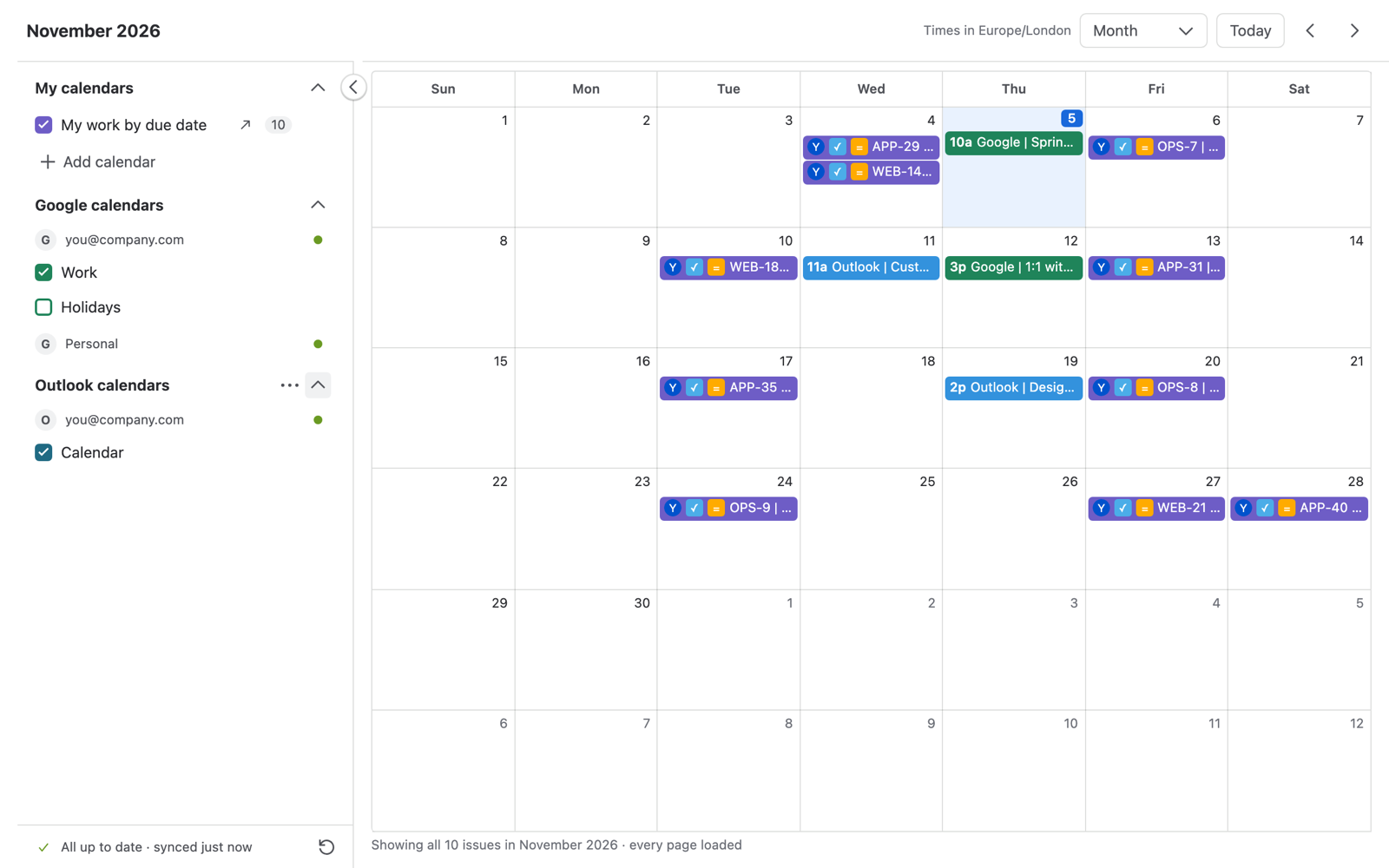
What you can do
- See Jira issues on a calendar, built from a project or any JQL, using any date or date-time field as start and end.
- Drag an issue to another day, or stretch it, and its dates change in Jira.
- Connect your own Google and Outlook accounts and see their events next to your Jira work.
- Create Google and Outlook events from Jira, move them and delete them.
- Send a calendar's Jira dates to Google Calendar or Outlook. New and changed issues show up there within a minute.
Guides
- Getting startedOpen the app, your first calendar, upgrading from the previous version.
- Jira calendarsAdd a calendar, choose date fields, views, move issues.
- Google and OutlookConnect accounts, show calendars, create and move events.
- Send Jira dates to your calendarJira issues in Google Calendar or Outlook, updated within a minute.
- For Jira adminsDefault date fields, licence, permissions and data.
- TroubleshootingMessages you may see, what they mean, limits.
Need help?
Write to solicale.supp@gmail.com. Tell us what you clicked and what you saw; a screenshot helps.